
WordPress
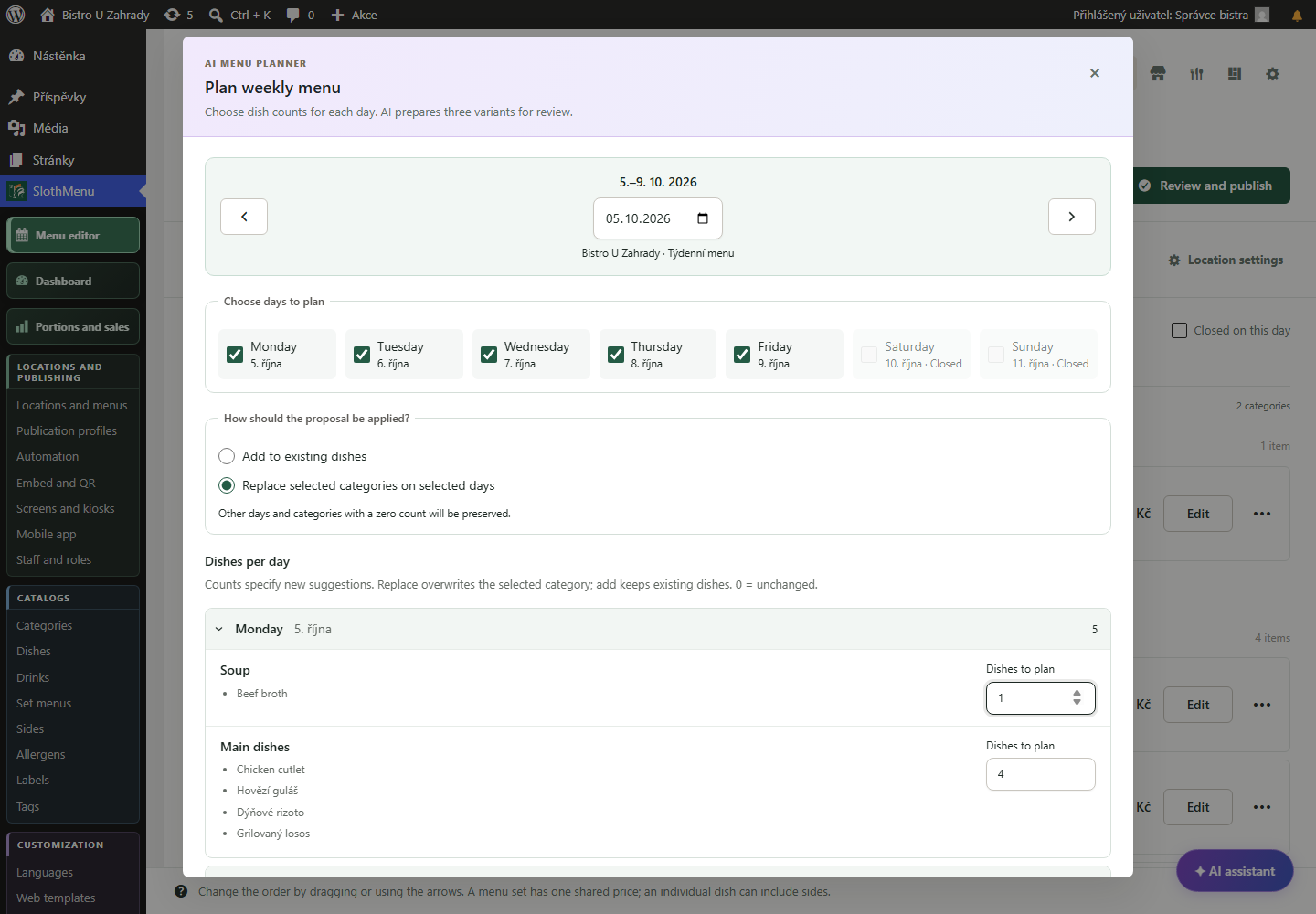
Choose, edit and confirm a proposal. Then add recipes and planned portions and check the shopping list.
 Enlarge screenshot
Menu, portion and purchasing planning
With SlothMenu Pro, connect your menu to recipes and planned portions. Prepare a shopping list and record what was actually prepared and sold.
Plan the menu right from the kitchen.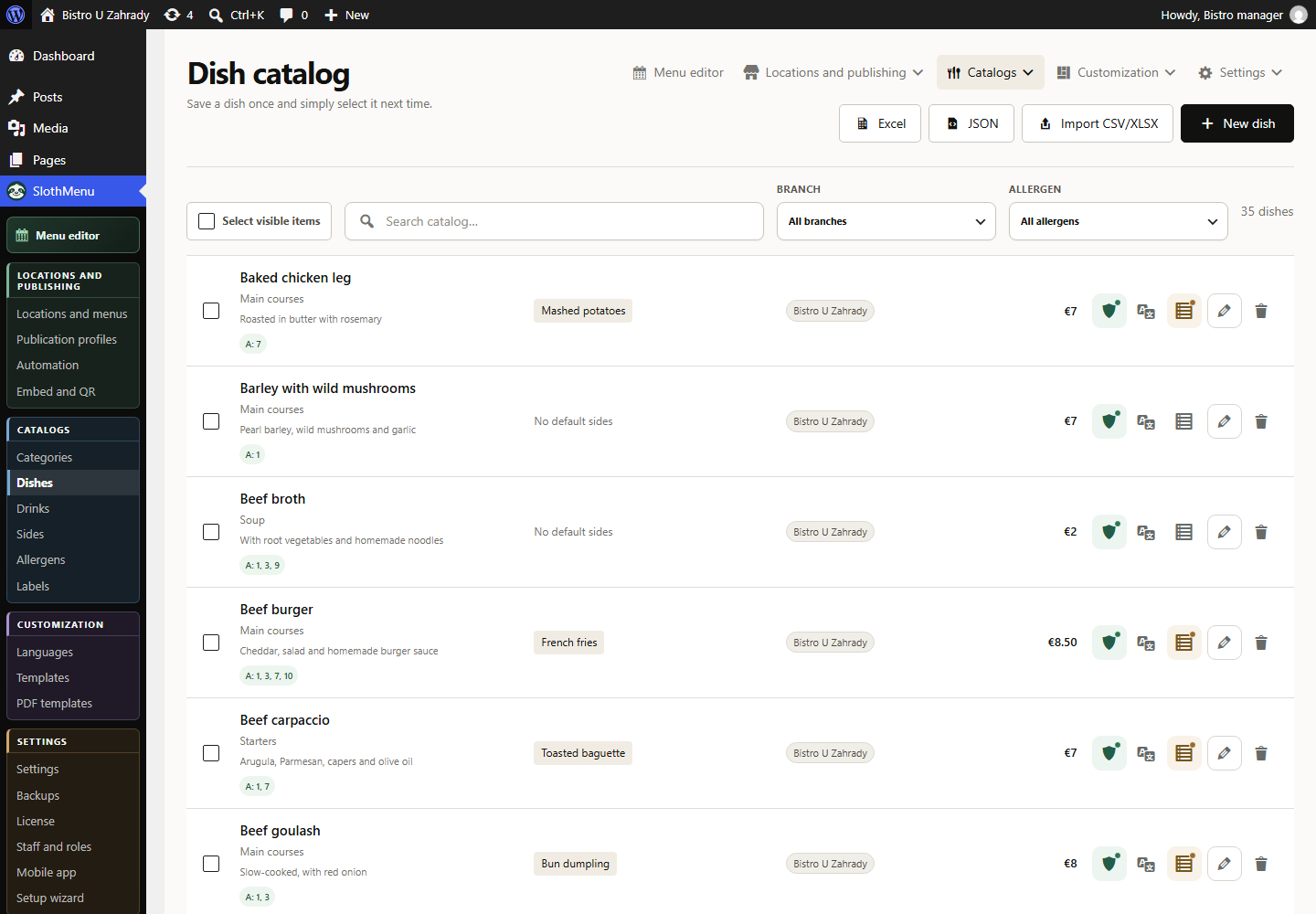
Choose dishes for each day. The optional AI planner suggests three weekly versions from your own catalogue; lock selected items and review the draft before saving it.
Save ingredients and the serving count in each recipe. Enter planned portions for menu dishes so ingredient quantities follow your plan.
Get an ingredient list for the chosen period from recipes and planned portions. Fill in missing recipes or portion counts before purchasing.
Enter prepared and sold portions daily. Use recorded sales and estimates of revenue, costs and contribution margin to inform your next plan.
PWA · Mobile tools for your team
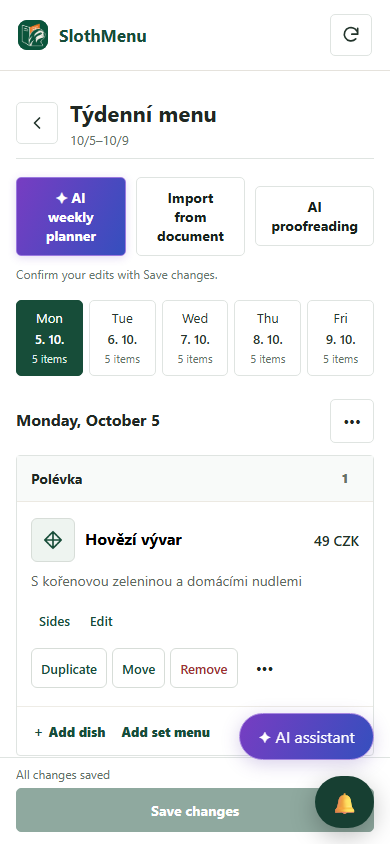
Not everyone needs to sit at a computer to prepare next week. An authorised colleague edits the menu in the PWA.
Edit dishes and prices for the selected week from your phone. Staff work only with assigned menus.
After changing the menu, recheck recipes, portions and the shopping list.
The mobile weekly editor is also in Lite. Pro adds separate staff accounts.
 Enlarge screenshot
An actual SlothMenu screen with sample data.
AI · SlothMenu Pro
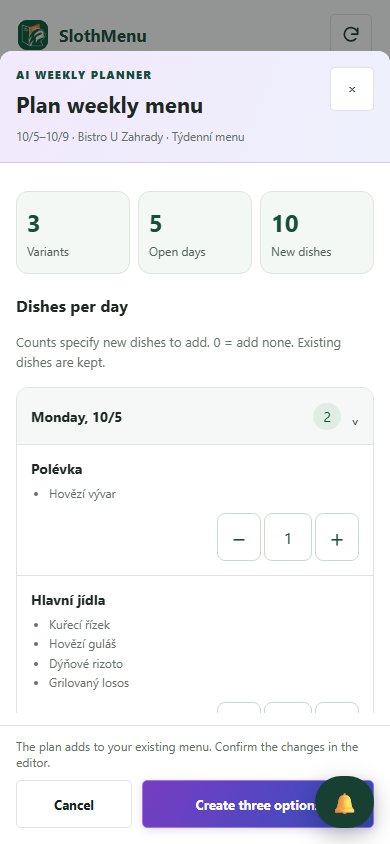
Get three weekly proposals from your catalogue based on counts and preferences. The AI planner does not automatically manage stock or purchase quantities.
Choose, edit and confirm a proposal. Then add recipes and planned portions and check the shopping list.
Enlarge screenshotCompare weekly proposals on your phone in the kitchen. Save the chosen menu within your permissions.
 Enlarge screenshot
Requires your own API key; the provider bills usage separately. AI uses your own API key; review the draft before saving.
An actual SlothMenu screen with sample data.
No. Prepare menus and recipes manually if you prefer. AI can help draft a week or analyse recorded sales; it does not replace checking dishes, prices and allergens.
This feature prepares a shopping list from recipes and planned portions. It does not automatically deduct stock or replace a point-of-sale system.
No. Estimates use entered prices, costs and recorded counts. Their completeness depends on your data; contribution margin is not accounting profit.
Check the available release and its requirements before installing. Screenshots contain demonstration data. Compatibility
Start with the free planner, or choose the plugin for your WordPress website.