
WordPress
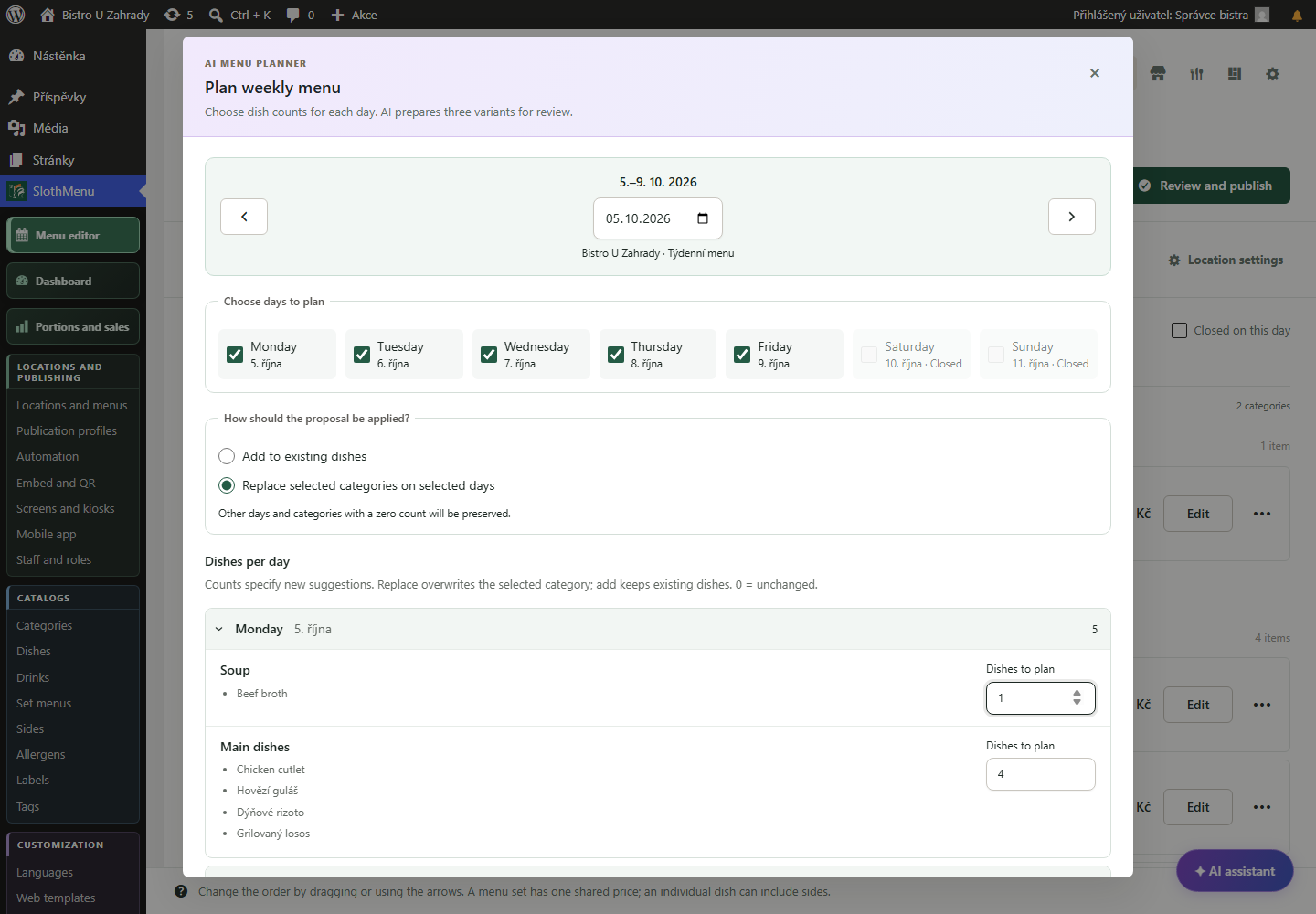
Plan the week, check dishes and prices, and confirm the menu. Then create the print export.
 Enlarge screenshot
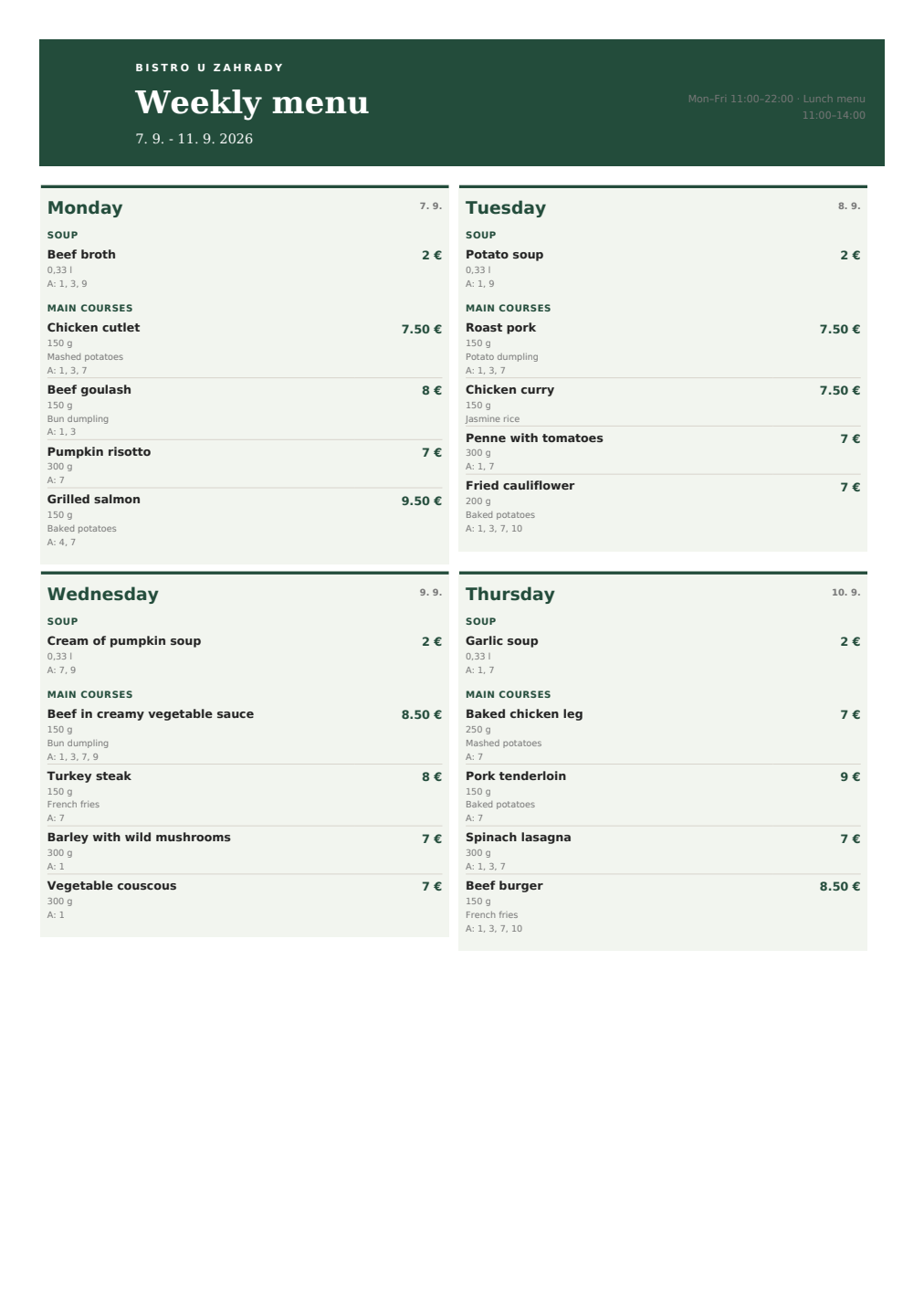
One menu for your website and print
SlothMenu Pro uses the same dishes and prices for your online menu and exports. Prepare the menu in WordPress, then create a printable PDF or Word document.
Correct the menu from your phone before printing again.Enter dishes, sides and prices in SlothMenu. Your online menu and exports will use the same content.
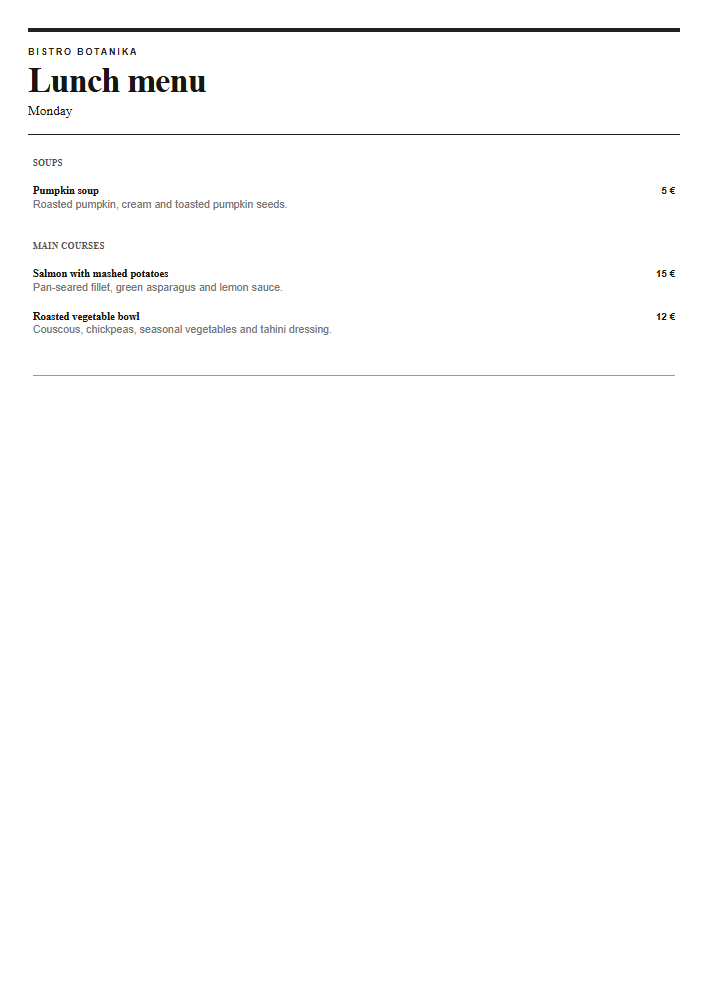
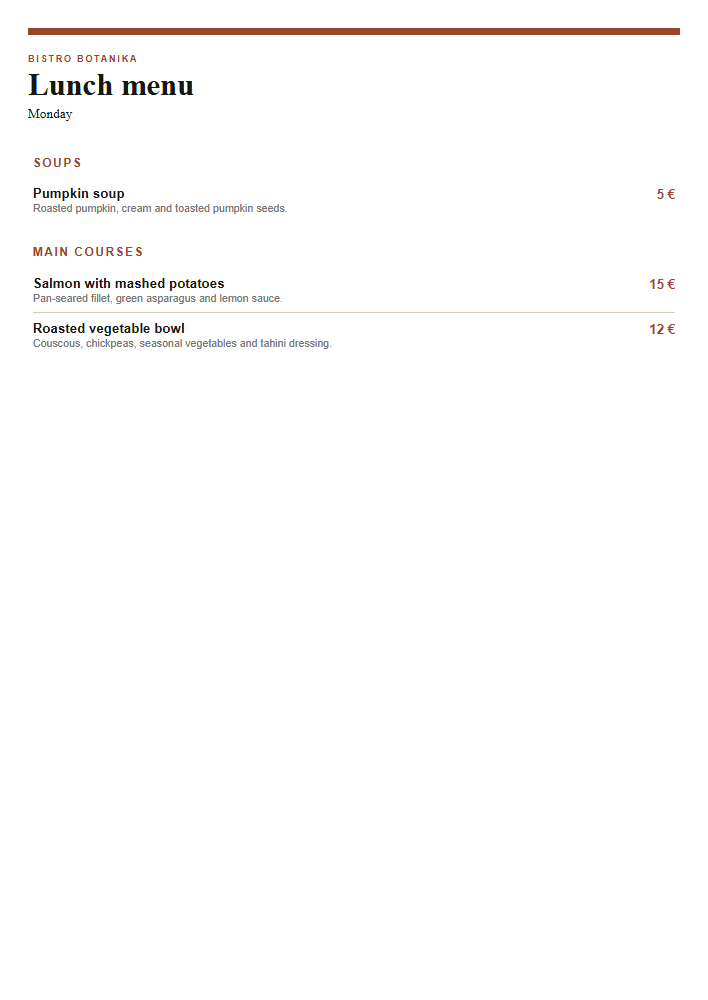
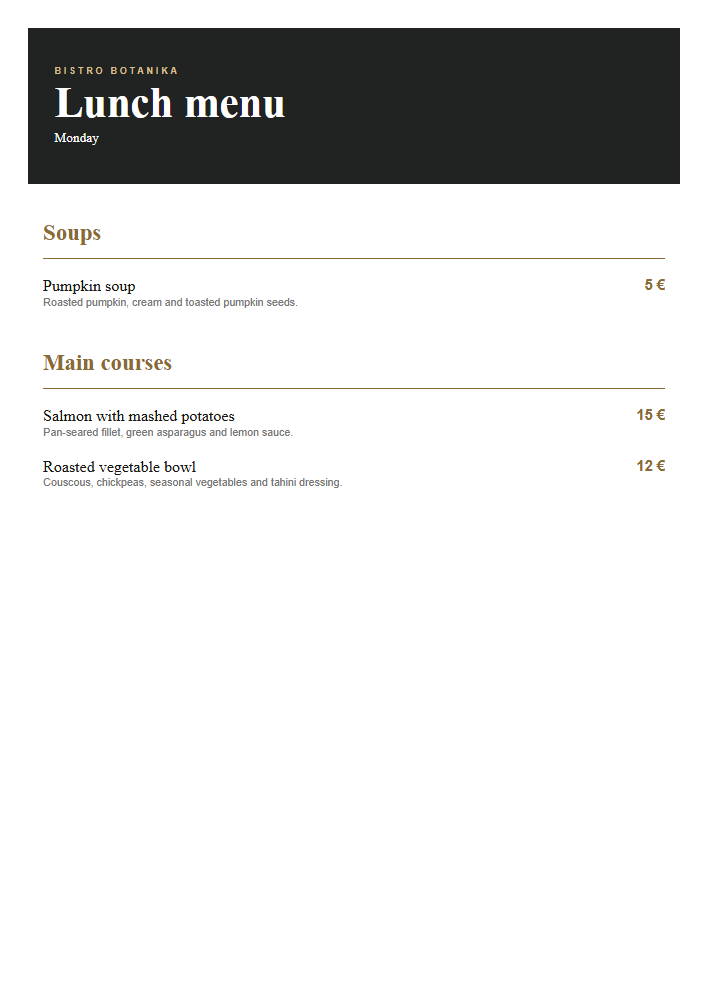
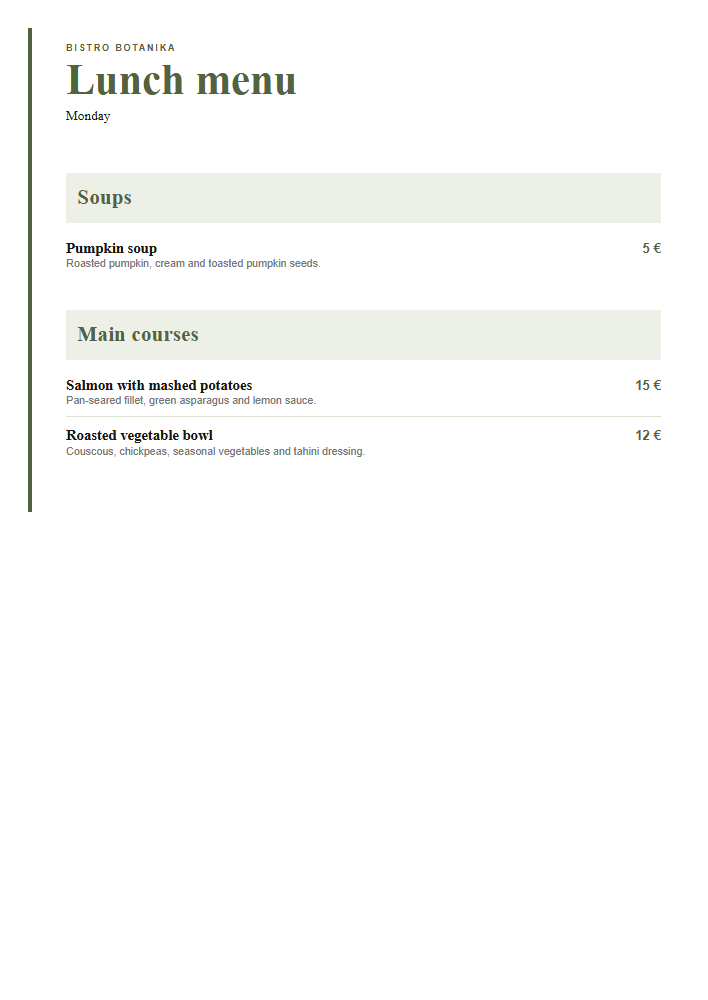
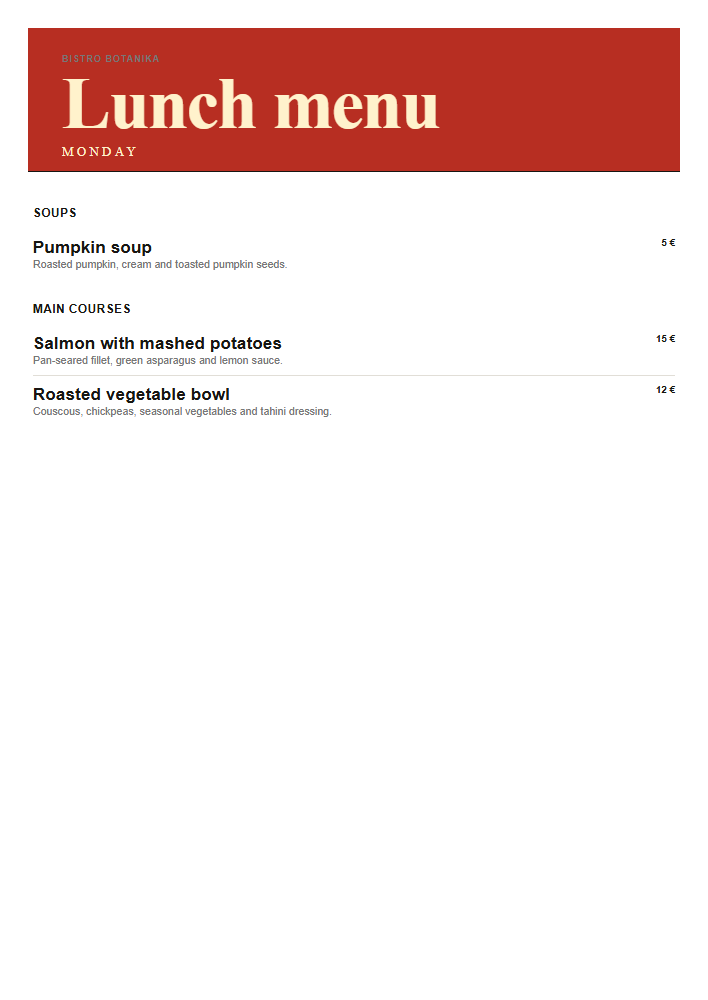
Choose an available print template, paper size and orientation. Create a PDF for printing or a Word document for further editing.
After changing the menu, export a new PDF or Word document and replace old printouts. Downloaded files and printed copies do not update automatically.
PWA · Mobile tools for your team
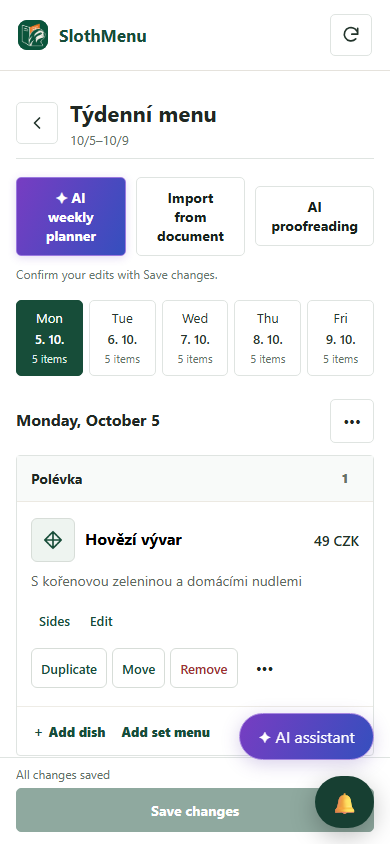
The menu changes before opening. Correct it in the PWA so the new printout and website use the same information.
Staff with the right permissions correct the dish or price from a phone and save the change.
Then create a new PDF or Word file in WordPress and replace old printouts. The PWA cannot change paper copies.
The mobile weekly editor is also in Lite. Pro adds separate staff accounts.
 Enlarge screenshot
An actual SlothMenu screen with sample data.
AI · SlothMenu Pro
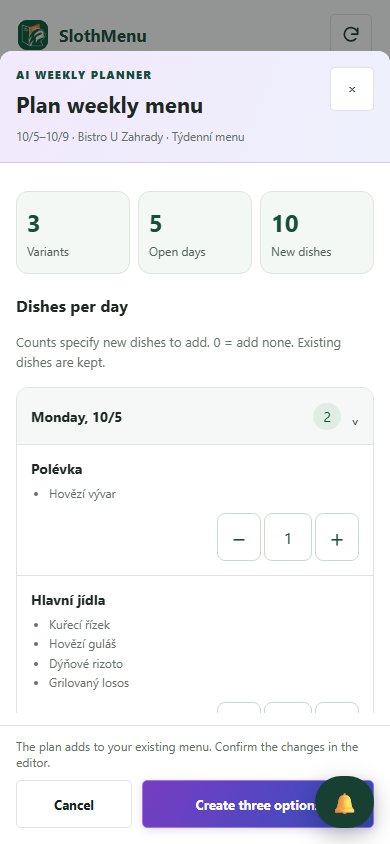
AI helps plan weekly content from your dish catalogue. Choose the print template and format once the menu has been checked.
Plan the week, check dishes and prices, and confirm the menu. Then create the print export.
Enlarge screenshotPrepare a proposal on your phone in the kitchen. After saving, finish the export in WordPress.
 Enlarge screenshot
Requires your own API key; the provider bills usage separately. AI uses your own API key; review the draft before saving.
An actual SlothMenu screen with sample data.
No. Changes appear in a new export. Replace any older files and printouts.
Open the new PDF and check every page, special characters, prices and line breaks. Print a test copy at the size you intend to use.
Yes. The free planner on this website creates a weekly menu PDF without an account. To manage shared content for your website and print exports, use the Pro plugin in WordPress.
Check the available release and its requirements before installing. Screenshots contain demonstration data. Compatibility
Start with the free planner, or choose the plugin for your WordPress website.