
WordPress
Prepare source text and translations for your languages. Check speciality names and ingredients before publishing.
 Enlarge screenshot
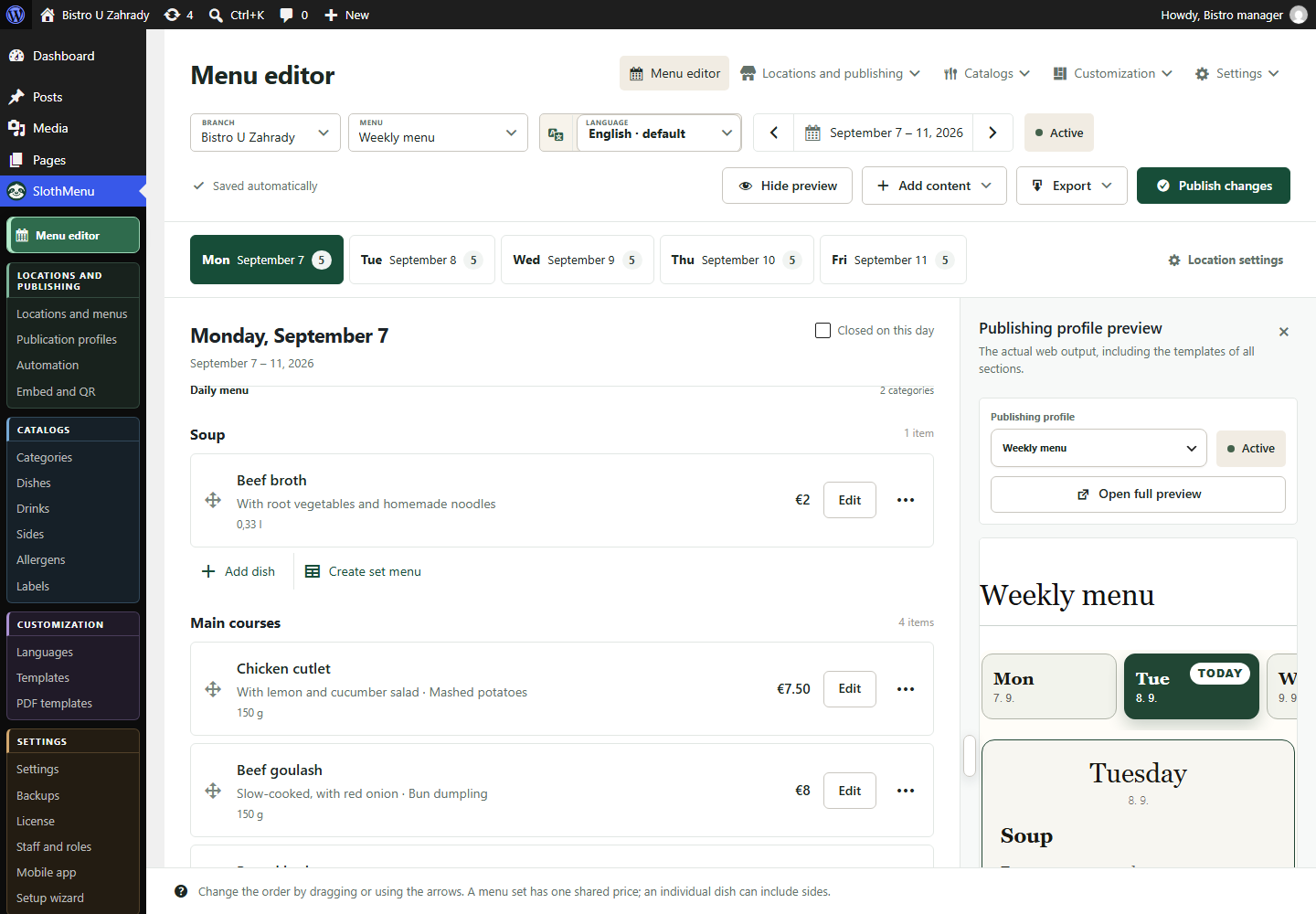
A multilingual restaurant menu
Create language versions of your menu in SlothMenu Pro. Translate dish names and descriptions yourself, or use optional AI to draft a translation for review.
International colleagues can work in their own language.Choose the languages for your menu content. The plugin interface language is a separate setting; changing it does not translate saved dishes.
Translate names and descriptions yourself, or use optional AI with your own API key. The AI provider may charge for usage.
Preview every language version. Check ingredients, allergens and specialty names. Your restaurant still needs to review any AI-generated translation.
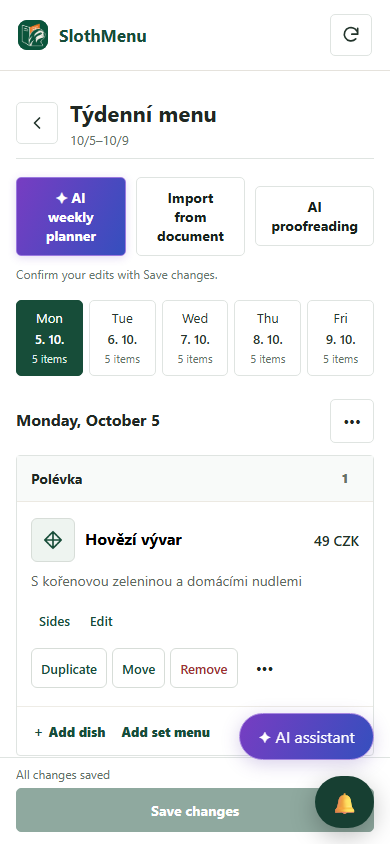
PWA · Mobile tools for your team
The PWA interface is available in six languages. Staff interface language and guest menu translations are separate.
Set the interface language and, in Pro, access to assigned menus. Your colleague edits the same data, not a separate copy.
After changing a name or ingredients, check guest translations too. Switching the interface does not translate them automatically.
The mobile weekly editor is also in Lite. Pro adds separate staff accounts.
 Enlarge screenshot
An actual SlothMenu screen with sample data.
AI · SlothMenu Pro
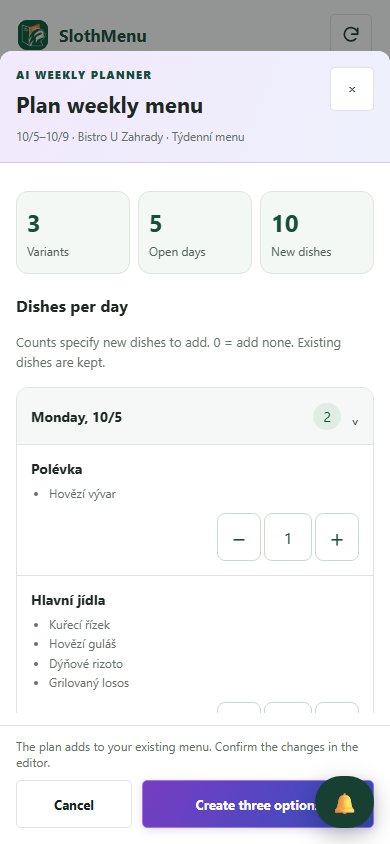
Prepare optional AI translations of names and descriptions in WordPress. The restaurant must check ingredients and allergens.
Prepare source text and translations for your languages. Check speciality names and ingredients before publishing.
Enlarge screenshotIn the PWA, staff with AI permission can propose a week from the catalogue. Manage menu language versions in Pro in WordPress.
 Enlarge screenshot
Requires your own API key; the provider bills usage separately. AI uses your own API key; review the draft before saving.
An actual SlothMenu screen with sample data.
No. You can prepare translations manually. AI is optional and requires custom settings and an API key.
Text translation is not exchange rate conversion. You set the prices and currency separately and check them before publishing.
Check the available release and its requirements before installing. Screenshots contain demonstration data. Compatibility
Start with the free planner, or choose the plugin for your WordPress website.