
WordPress
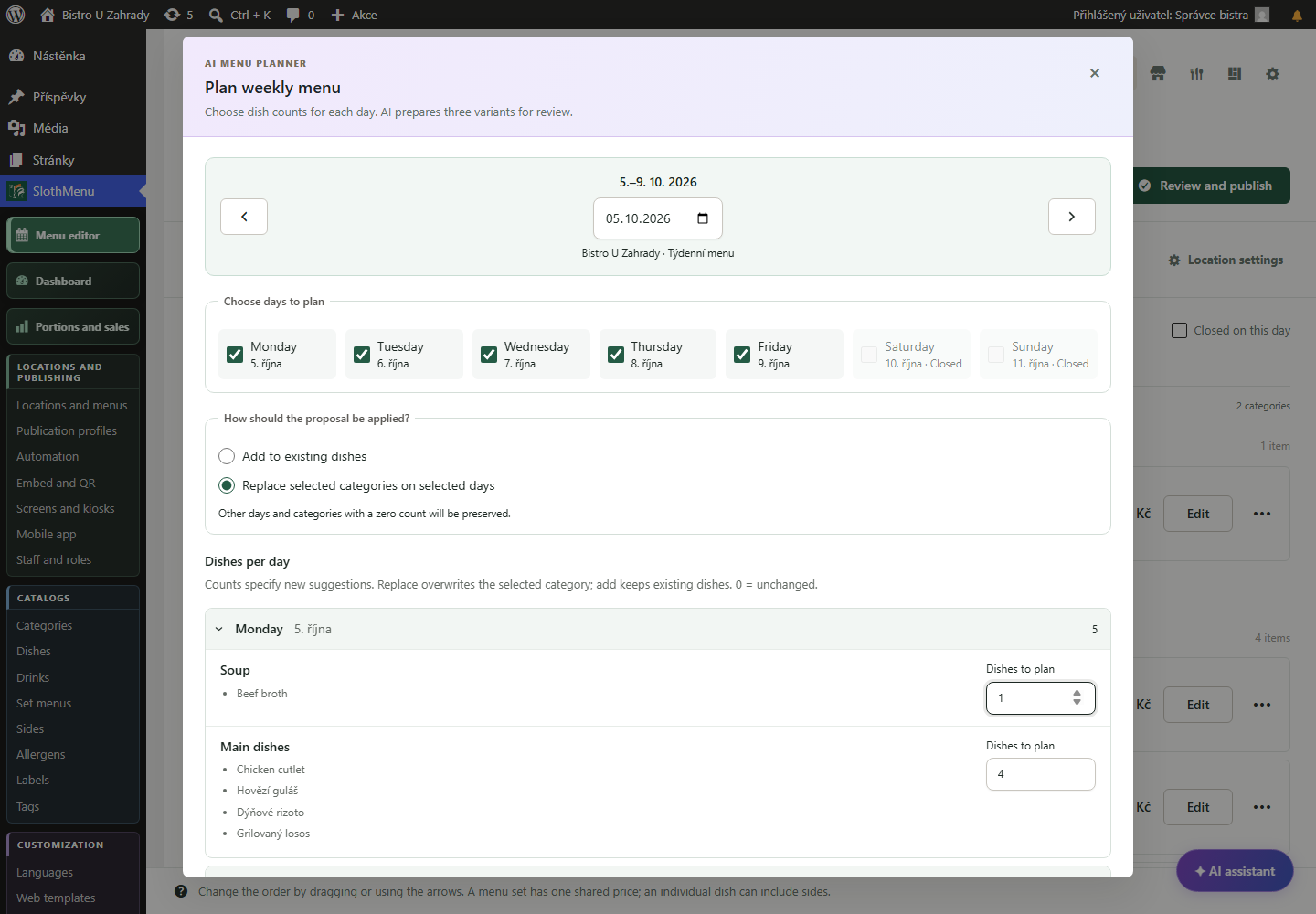
At your computer, enter dish counts and preferences. Edit and confirm your chosen option in the editor.
 Enlarge screenshot
Weekly restaurant menus in WordPress
For restaurants and bistros with a changing weekly lunch menu. Edit dishes, sides and prices, then publish the menu on your WordPress website.
A change midweek? Update the menu from your phone.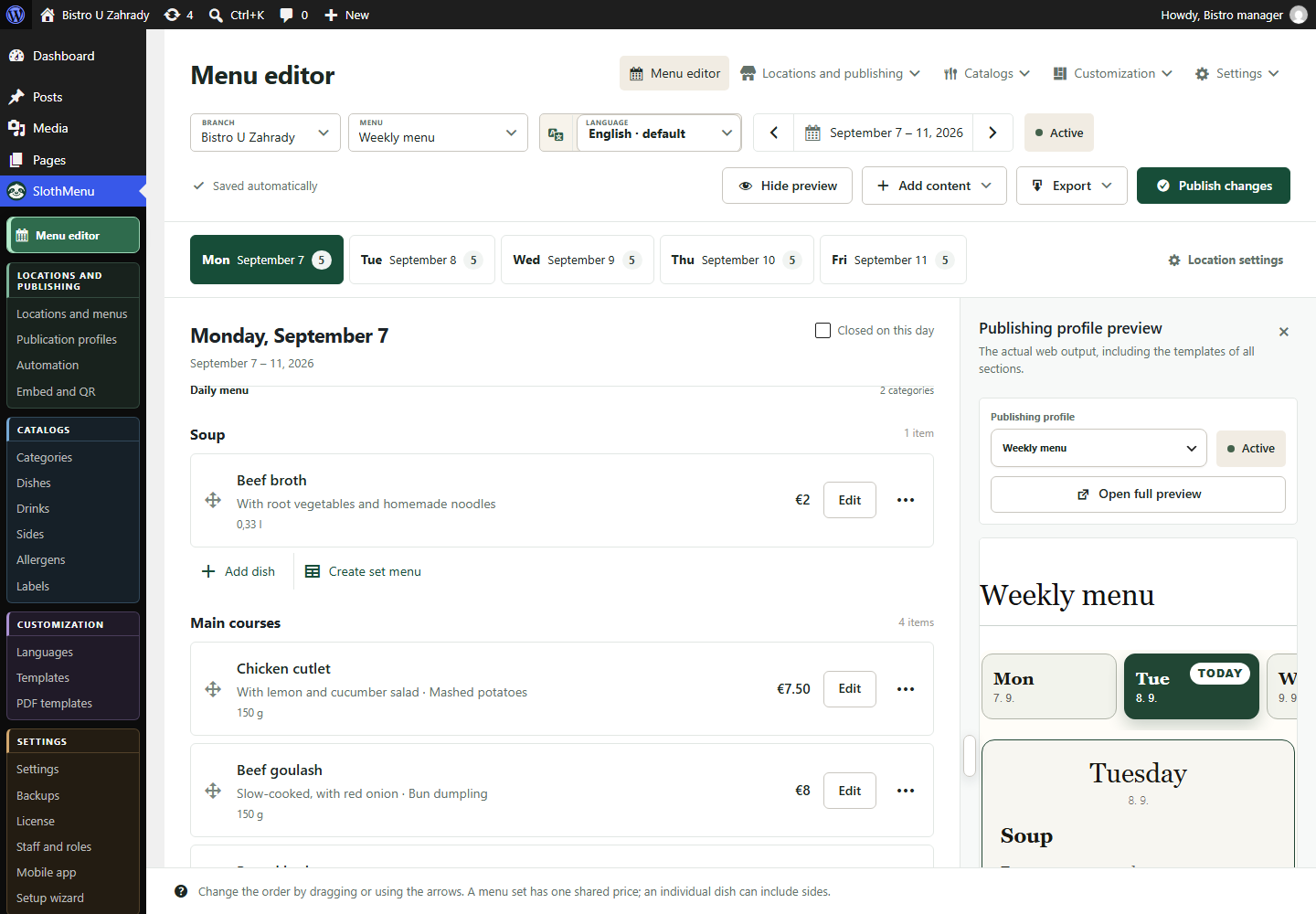
Add categories, dishes and prices. Use a note for changes to opening hours and mark closed days in the menu.
Preview dish names, prices and layout. Check the published menu on a phone too, so guests can browse it on the go.
With Pro, save dishes and sides in your catalog. Select them again next time and adjust prices or descriptions as needed.
Check the dates and dishes on the public page. With Pro, export the same content to PDF or Word; create a new export whenever the menu changes.
PWA · Mobile tools for your team
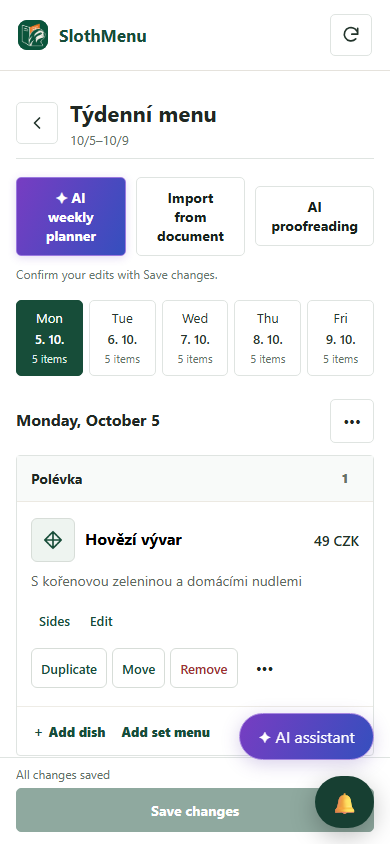
The chef changes a dish or price in the week being prepared. Make the correction on the restaurant floor with the PWA.
Open the day, edit the menu and save changes to the same WordPress site.
In Pro, delegate weekly preparation with access limited to the colleague’s branch and allowed edits.
The mobile weekly editor is also in Lite. Pro adds separate staff accounts.
 Enlarge screenshot
An actual SlothMenu screen with sample data.
AI · SlothMenu Pro
Have a dish catalogue but need a fresh weekly layout? AI proposes three options for your selected days and dish counts.
At your computer, enter dish counts and preferences. Edit and confirm your chosen option in the editor.
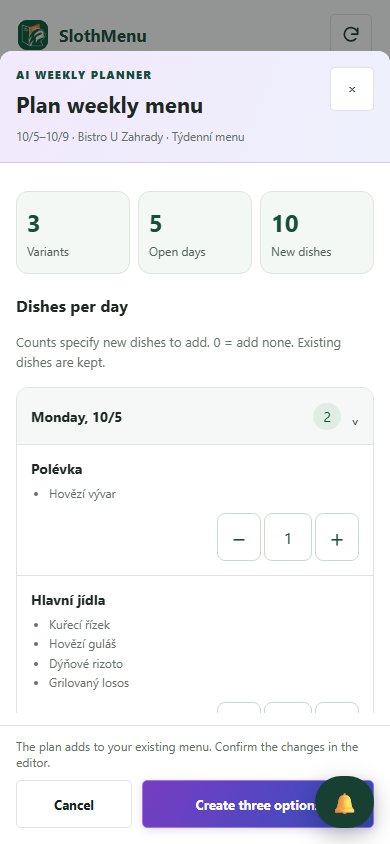
Enlarge screenshotPrepare the same weekly proposal on your phone. Staff need both AI and menu editing permissions.
 Enlarge screenshot
Requires your own API key; the provider bills usage separately. AI uses your own API key; review the draft before saving.
An actual SlothMenu screen with sample data.
Yes. The plugin is installed on your WordPress site. If you just want to prepare a PDF first, use the separate planner for free.
Correct week, open days, meal names, prices and allergen information. The restaurant is responsible for the correctness of the offer.
Check the available release and its requirements before installing. Screenshots contain demonstration data. Compatibility
Start with the free planner, or choose the plugin for your WordPress website.